Model Viewer
The Model Converter integrates the open-source Netron network visualizer, allowing you to inspect model layers and weights to better visualize, analyze, and understand model architecture. Using Model Viewer, you can inspect your model at different stages of optimization, including which operators are accelerated by the U55 NPU and how the model is converted from one framework to another, such as .h5, .keras, or .pt2 to .tflite.
View model architecture
-
Click the Model Viewer tab to open the viewer. If you are using this feature for the first time, click Accept to proceed.
-
In Model Selection, select the model whose architecture you want to view. By default, the Model Viewer displays the architecture of the model selected as the Input Model in the Code Generation tab. To view the architecture of intermediate models generated during code generation, click the Scan icon to list all models available in the output directory and select the required model.
To view the architecture of intermediate models, enable the Skip Cleanup checkbox in the Code Generation tab before generating code.
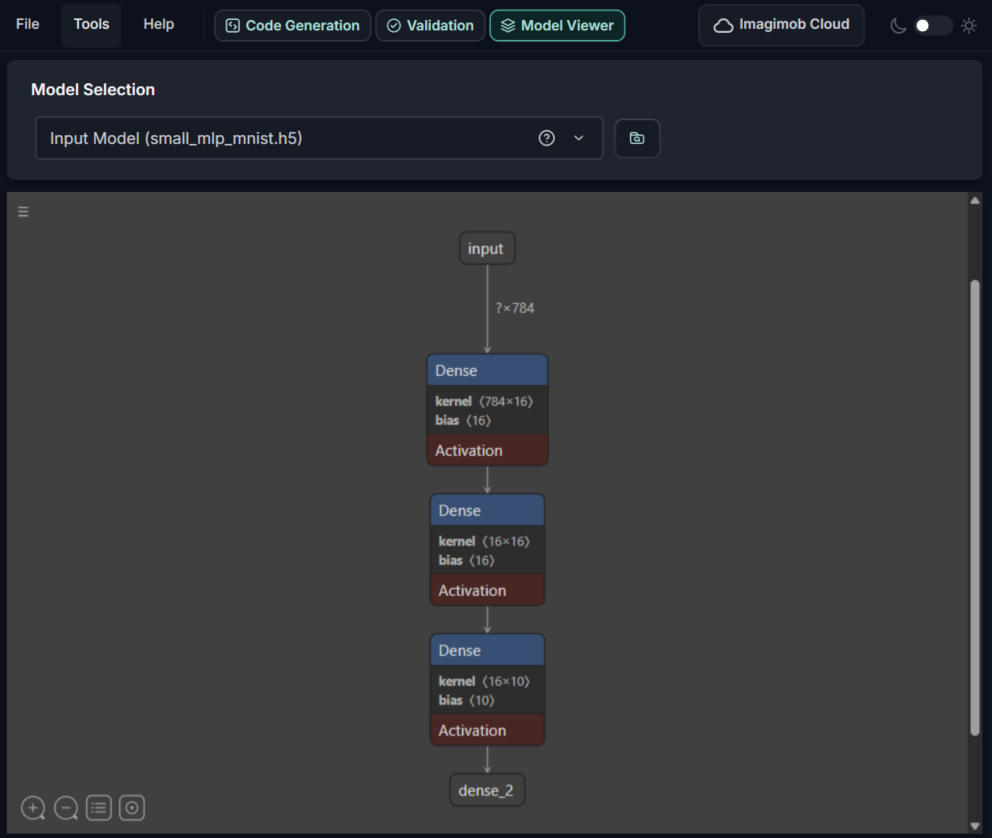
Use zoom in or out, and view model and graph properties icons at the bottom of the viewer to navigate the model architecture. Click the three horizontal lines on the left to access additional options.